AI Rap Lyric Generator for Your First Verse
An AI rap lyric generator turns a written idea into draft verses and hooks. In MusicGPT, you can guide the writing with a theme, Hip-hop genre, mood, language, and song structure. Edit the result, test each line aloud, then save the words or send a draft to Studio.
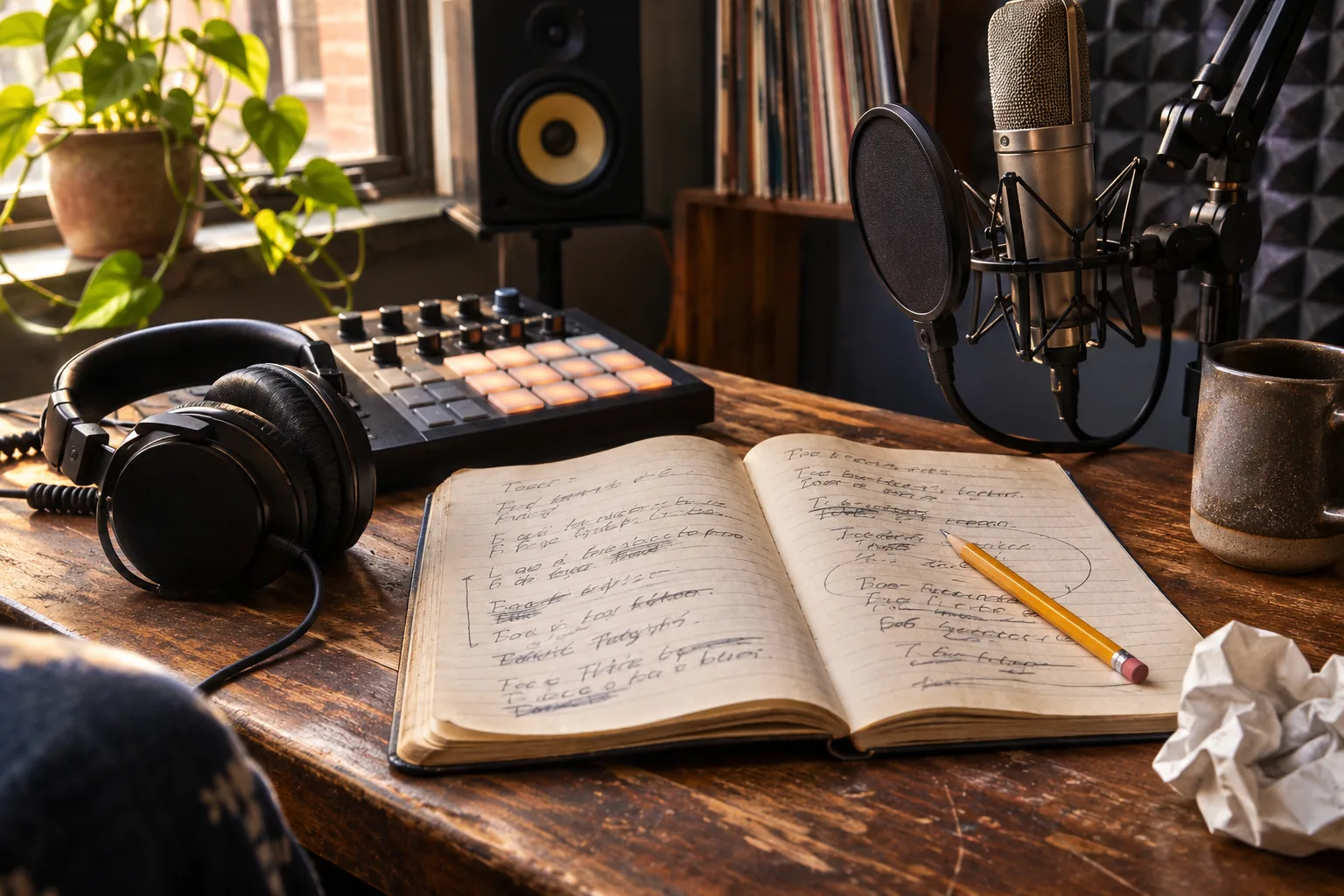
Give your verse a scene
Start with a speaker who wants something. A cook walking home after missing the last bus has a place, a problem, and a reason to speak. Decide what changes by the hook. Perhaps the walk begins in frustration and ends in quiet pride.
Keep one detail you can picture, such as flour on a sleeve. That image gives you something specific to develop across the verse.
How to generate rap lyrics with MusicGPT
Open the MusicGPT AI lyrics generator and build your brief in four steps.
- Enter the theme. Describe the speaker and situation. Add optional keywords only when they shape the story.
- Choose the direction. Select Hip-hop, a mood such as Confident, your lyrics language, and the Intro · Verse · Hook · Verse · Hook · Outro structure.
- Check the counter. The complete brief allows 200 characters, including the selected settings. Shorten your theme when the counter exceeds that limit.
- Generate a draft. Sign in and select Generate lyrics. Each generation costs 1 credit.
Try this theme with those settings.
A night-shift cook misses the last bus and walks home proud. Short lines, internal rhymes, hopeful hook.
Use the result as material to revise. The structure and rhyme requests guide generation, while your review determines the final arrangement.
Test the cadence before adding a beat
Speak the verse over a steady pulse. Mark where you breathe and which words receive emphasis. Shorten any line that makes you rush. Keep the main image clear when replacing a rhyme, and remove filler that exists only to reach an ending sound.
Use these example lines to practice that review.
Flour on my sleeve, work dust on my shoes
Last bus pulled away, walking past the closed newsstand
Streetlights keep time while the whole block sleeps
I carry my pride through these half-empty streets
The second line has more syllables and may feel crowded. Try “Bus gone, shutters down” in its place. Say both versions over the same pulse and keep the one that fits your delivery.
Repeat the hook aloud. Check whether it carries the same idea as the verse and leaves room to breathe. Read the second verse separately, then check that it adds a new detail or changes the story.
Take your lyric draft into Studio
Copy or download the edited text. Use in Studio transfers a temporary browser draft when the lyrics fit within 3,500 characters. Audio creation is a separate generation step. Visit the MusicGPT AI music generator to explore the sound you want around your words.
AI rap lyric generator FAQ
Can I edit the generated rap lyrics?
Yes. Change the words directly in the result box. If several lyric versions arrive, select one before editing. Copy or download your revised version to keep your changes.
Can MusicGPT write rap lyrics in other languages?
The lyrics tool includes several language choices and an Other option. For Other, specify the language in your theme. Check pronunciation and idioms with a fluent speaker before recording.